🚀📦 SKINNY JAR VS FAT JAR: REDUCING DEPENDENCY RELOADS IN JAVA DEPLOYMENTS
🚀📦 SKINNY JAR VS FAT JAR: REDUCING DEPENDENCY RELOADS IN JAVA DEPLOYMENTS
When packaging a Java application, you often choose between Fat JARs and Skinny JARs.
The difference is not only about artifact size — it is mainly about how often dependencies need to be transferred, rebuilt, and loaded.
In many environments, dependencies change rarely, while application code changes very frequently.
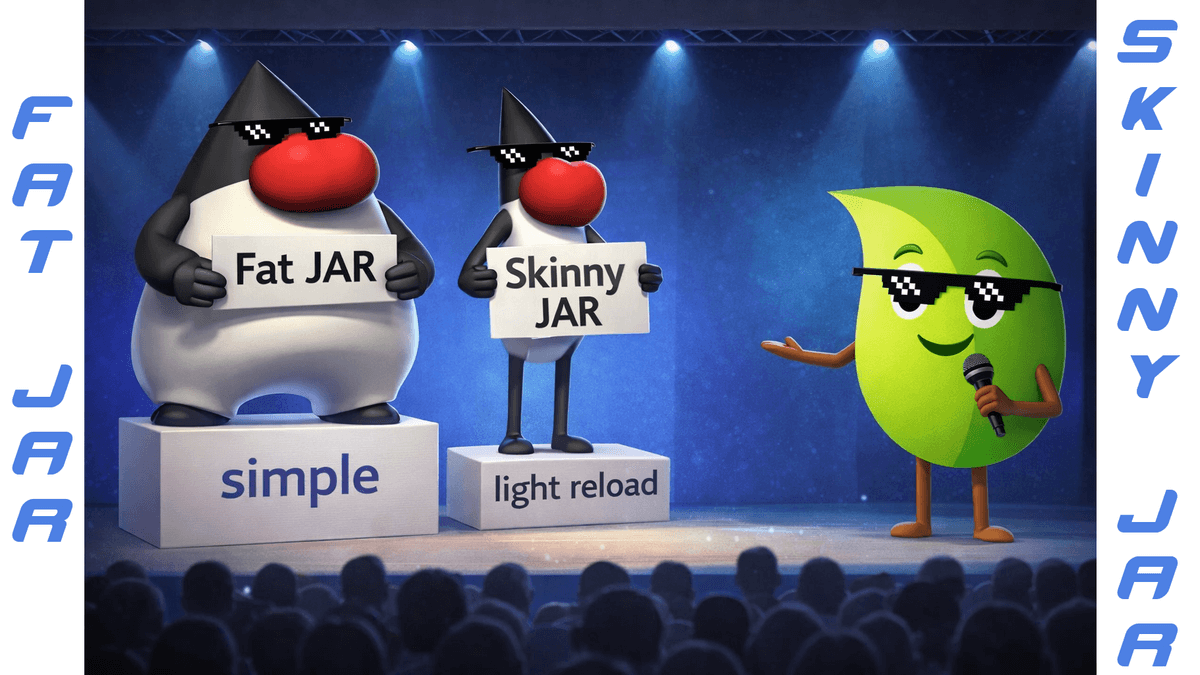
🔸 TLDR
- ▪️ Fat JAR = app + dependencies bundled together
- ▪️ Skinny JAR = dependencies separated from app code
- ▪️ Dependencies change rarely
- ▪️ Separating them avoids reloading the same libraries repeatedly
🔸 WHAT IS A FAT JAR?
A Fat JAR (Uber JAR) packages your application and all its dependencies into one file.
Frameworks like Spring Boot commonly use this approach.
- ▪️ All libraries bundled in one artifact
- ▪️ Easy execution with java -jar
- ▪️ Very portable deployment unit
- ▪️ Larger artifact size
Example tools that create Fat JARs:
- ▪️ spring-boot-maven-plugin
- ▪️ maven-shade-plugin
- ▪️ maven-assembly-plugin
Example:
java -jar my-app.jar
Everything is inside the JAR, so the JVM loads all dependencies from it.
🔸 THE LIMITATION OF FAT JARS
The issue appears during build and deployment cycles.
Even if you change one class, the whole artifact changes.
That means:
- ▪️ dependencies are rebuilt into the artifact
- ▪️ dependencies are transferred again
- ▪️ dependencies are reloaded again
Even though they didn’t change.
In large systems or CI/CD pipelines, this can mean repeatedly shipping the same libraries dozens of times.
🔸 WHAT IS A SKINNY JAR?
A Skinny JAR separates the application code from its dependencies.
- ▪️ The JAR contains only application classes
- ▪️ Dependencies live in a separate lib directory
- ▪️ The JVM loads them through the classpath
Example:
java -cp "app.jar:lib/*" com.example.MainStructure:
app.jar
lib/
 ├── spring-core.jar
 ├── spring-context.jar
 ├── jackson.jar
 └── ...
Now:
- ▪️ application code changes often
- ▪️ dependencies remain stable
So they don’t need to be rebuilt or reloaded every time.
🔸 WHY SOME TEAMS PREFER SKINNY JARS
Separating dependencies allows them to be loaded and distributed less frequently.
Benefits include:
- ▪️ Dependencies reused across deployments
- ▪️ Smaller artifacts for each release
- ▪️ Faster CI/CD pipelines
- ▪️ Reduced network transfers
- ▪️ Better caching in container images
In short:
👉 Load dependencies once, update the app many times.
🔸 TOOLS THAT SUPPORT THIS APPROACH
Some Maven tools help externalize dependencies.
Examples:
- ▪️ maven-dependency-plugin (copy dependencies to /lib)
- ▪️ maven-assembly-plugin (custom distributions)
- ▪️ SlimFast Maven Plugin (store dependencies externally, e.g. S3)
Tools like SlimFast push the idea further by allowing dependencies to be stored once and reused across deployments, avoiding repeated loading of identical libraries.
🔸 TAKEAWAYS
- ▪️ Fat JARs maximize simplicity and portability
- ▪️ Skinny JARs optimize build and deployment cycles
- ▪️ Separating dependencies allows them to be loaded less often
- ▪️ Tools like SlimFast push this optimization further
Both approaches still coexist depending on deployment strategy and infrastructure.
#Java #Maven #SpringBoot #DevOps #JavaDevelopment #BuildTools #Microservices #SoftwareEngineering #BackendDevelopment
Go further with Java certification:
Java👇
Spring👇
SpringBook👇
JavaBook👇