🔸 TL;DR
A good REST API is not just “CRUD over HTTP.”
It is a developer experience contract. 👨💻
Your API should make common use cases obvious, edge cases predictable, and future changes survivable.
The goal is not to win a REST purity debate.
The goal is to help developers build correctly without reading your mind.
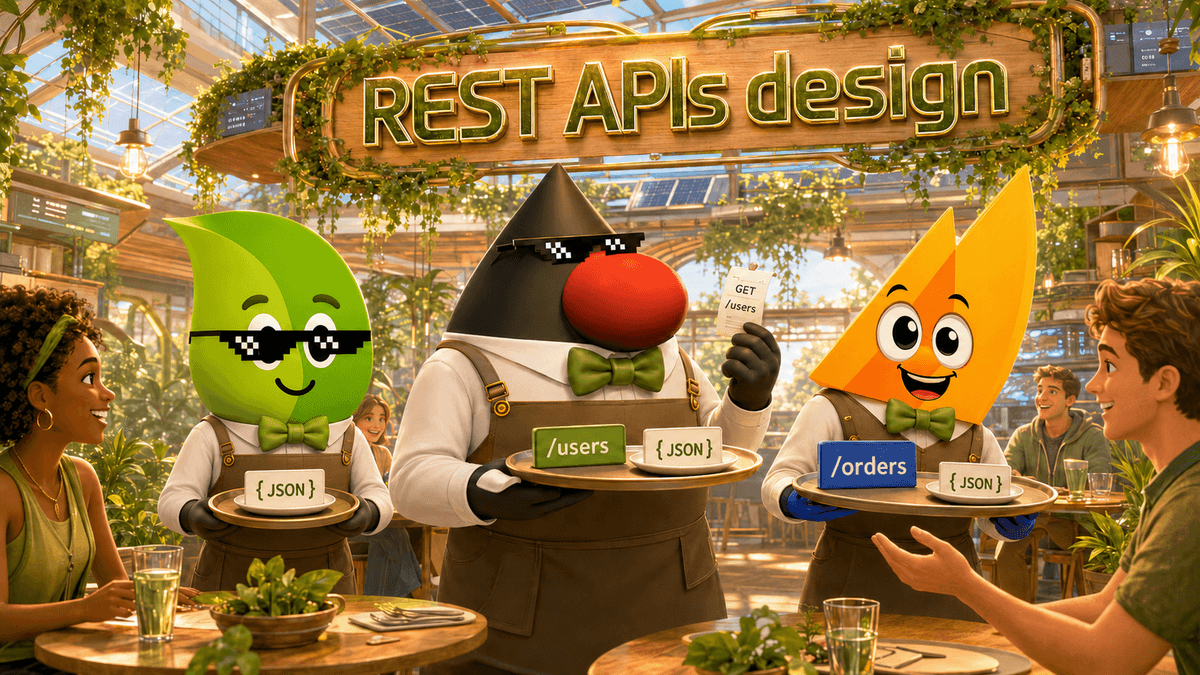
🔸 1. START WITH RESOURCES, NOT ACTIONS
A REST API should expose meaningful resources:
▪️ GET /tickets → list tickets
▪️ GET /tickets/12 → get one ticket
▪️ POST /tickets → create a ticket
▪️ PATCH /tickets/12 → partially update it
▪️ DELETE /tickets/12 → delete it
Use nouns, preferably plural.
Not:
▪️ /getTicket
▪️ /createTicket
▪️ /deleteTicket
HTTP already gives you the verbs. Let URLs describe the domain.
Relations can also stay natural:
▪️ GET /tickets/12/messages
▪️ POST /tickets/12/messages
▪️ GET /tickets/12/messages/5
But avoid endless nesting. After 2 levels, ask yourself if the resource deserves its own endpoint.
🔸 2. FILTERING, SORTING AND PAGINATION ARE PART OF THE DESIGN
Many APIs are nice for single resources…
Then painful for collections. 😅
Filtering should be explicit and consistent:
▪️ GET /tickets?state=open
▪️ GET /items?price[gte]=10&price[lte]=100
▪️ GET /items?price=gte:10&price=lte:100
Sorting should support real use cases:
▪️ GET /tickets?sort=-priority,createdAt
▪️ GET /users?sort_by=-lastModified,+email
Pagination matters even more.
Offset pagination is simple:
▪️ GET /items?limit=20&offset=100
But it can become unstable when data changes.
For large datasets, keyset or seek pagination is often better:
▪️ GET /items?limit=20&createdAt[lte]=2026-07-01T00:00:00Z
▪️ GET /items?limit=20&after_id=123
The API should not force clients to download the world because pagination was an afterthought.
🔸 3. BULK OPERATIONS NEED CLEAR SEMANTICS
Sometimes one resource per request is too slow.
Bulk operations can be useful, but they must be designed carefully.
Creating several resources:
POST /resources
[
{ "id": "CREATION1", "body": { "name": "A" } },
{ "id": "CREATION2", "body": { "name": "B" } }
]
Updating several resources:
PATCH /resources
{
"ID1": { "name": "Updated A" },
"ID2": { "name": "Updated B" }
}
Getting or deleting several resources:
GET /resources?ids=ID1,ID2
DELETE /resources?ids=ID1,ID2
The tricky part is the response.
One item may succeed while another fails.
That means you may need two error levels:
▪️ the whole bulk request is invalid
▪️ one specific resource operation failed
For independent operations, a 207 Multi-Status style response can be useful:
{
"ID1": { "status": 200 },
"ID2": { "status": 400, "message": "Validation failed" }
}
Bulk APIs are powerful, but they must not hide partial failure.
🔸 4. RETURN USEFUL RESPONSES
After POST, PUT, or PATCH, return something useful.
For a creation:
▪️ use 201 Created
▪️ include a Location header
▪️ return the created resource when helpful
For a successful delete:
▪️ 204 No Content is often enough
For validation errors, don’t return a mysterious string.
Prefer structured errors:
{
"code": "VALIDATION_FAILED",
"message": "Validation failed",
"errors": [
{
"field": "email",
"message": "Email is required"
}
]
}
Developers should be able to display, log, test, and debug errors without reverse-engineering your backend.
🔸 5. USE HTTP STATUS CODES PROPERLY
Status codes are not decoration. They are part of the API language.
▪️ 200 OK → successful request with body
▪️ 201 Created → resource created
▪️ 204 No Content → success without body
▪️ 400 Bad Request → malformed request
▪️ 401 Unauthorized → missing or invalid authentication
▪️ 403 Forbidden → authenticated but not allowed
▪️ 404 Not Found → resource does not exist
▪️ 405 Method Not Allowed → method not supported
▪️ 415 Unsupported Media Type → wrong content type
▪️ 422 Unprocessable Entity → validation erro
▪️ 429 Too Many Requests → rate limit exceeded
A good API does not make every failure a 500.
🔸 6. THINK ABOUT FIELDS, EMBEDS AND PAYLOAD SIZE
Clients often do not need everything.
Support field selection:
GET /tickets?fields=id,subject,updatedAt
Support embedding when it avoids unnecessary round trips:
GET /tickets/12?embed=customer,assignedUser
But keep control.
Too much embedding can turn a clean API into a hidden graph traversal engine.
🔸 7. SECURITY AND CACHING ARE NOT OPTIONAL
Use HTTPS everywhere. No exception. 🔐
Use token-based authentication, typically with OAuth2 when delegation is needed.
For caching, expose useful headers:
▪️ ETag (Entity Tag 👉 tag/fingerprint attached to that returned representation--response body version)
▪️ If-None-Match
▪️ Last-Modified
▪️ If-Modified-Since
For rate limiting, tell clients where they stand:
▪️ X-Rate-Limit-Limit
▪️ X-Rate-Limit-Remaining
▪️ X-Rate-Limit-Reset
A mature API does not only answer requests. It helps clients behave well.
🔸 8. VERSIONING: CHOOSE A RULE AND STICK TO IT
There are several options:
▪️ /v1/tickets
▪️ custom version headers
▪️ versioning through the Accept header
URL versioning is often easier to understand for developers.
Header-based versioning can be cleaner in some API governance models.
The worst choice is not one or the other. The worst choice is inconsistency.
🔸 9. REST PURITY VS PRAGMATISM
Yes, real REST includes ideas like HATEOAS:
▪️ resources
▪️ representations
▪️ links
▪️ state transitions
And yes, many “REST APIs” are actually HTTP+JSON APIs.
That is not automatically a disaster.
But developers should know the difference.
REST is not just CRUD. HTTP is not just a transport tunnel. And an API is not good because it looks clean in Swagger. It is good when consumers can use it correctly, safely, and repeatedly.
🔸 TAKEAWAYS
▪️ Design APIs as developer interfaces, not backend exposure layers.
▪️ Use resources and HTTP methods consistently.
▪️ Treat filtering, sorting, and pagination as first-class features.
▪️ Make bulk operations explicit about partial success and failure.
▪️ Return structured errors developers can actually use.
▪️ Use status codes, headers, caching, and rate limits properly.
▪️ Prefer boring consistency over clever design.
REST API design is not about making the URL beautiful. It is about making the system understandable. ☕️
#REST #API #APIDesign #BackendDevelopment #SoftwareArchitecture #Java #SpringBoot #WebDevelopment #DeveloperExperience #CleanCode
Go further with Java certification:
Java👇
Spring👇
SpringBook👇
JavaBook👇