🎨🧩 CONDITIONAL CLASS UTILITY (THE 1-LINER THAT CLEANS UP YOUR className)
🎨🧩 CONDITIONAL CLASS UTILITY (THE 1-LINER THAT CLEANS UP YOUR className)
Ever ended up with a className full of ternaries and &&? 😅
This tiny helper keeps your JSX/Tailwind styling readable and easy to maintain.
🔸 TLDR 🏁
▪️ cx(...) lets you conditionally combine classes without messy JSX logic.
▪️ Cleaner UI code, fewer styling bugs, faster refactors.
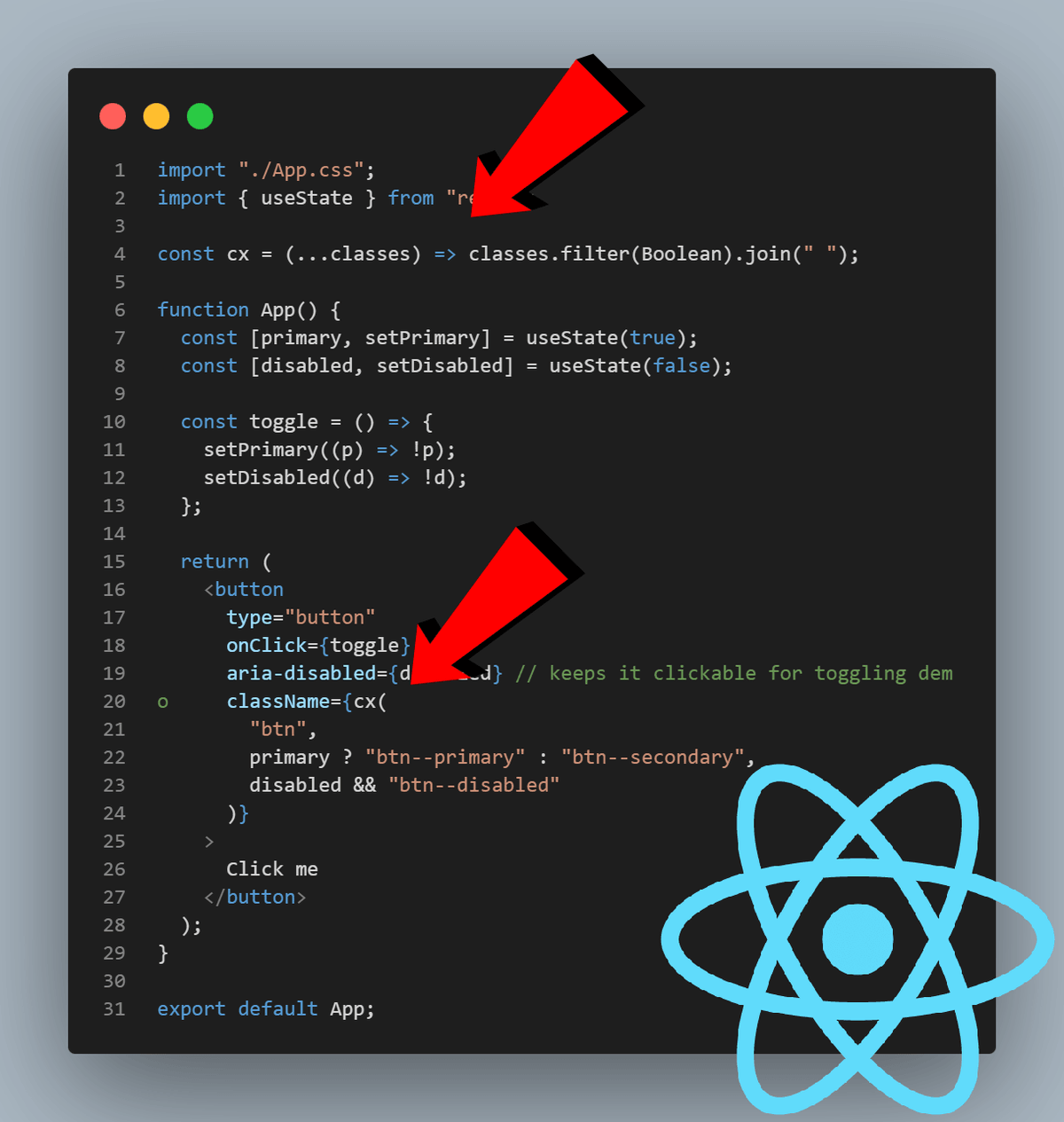
🔸 COPY/PASTE THE UTILITY ✅
// Join classes conditionally (ignores falsy values)
const cx = (...classes) => classes.filter(Boolean).join(" ");
🔸 HOW YOU USE IT IN REACT / TAILWIND ⚛️💨
function Button({ primary, disabled }) {
 return (
 <button
 className={cx(
 "px-4 py-2 rounded font-medium transition",
 primary && "bg-indigo-600 text-white",
 !primary && "bg-gray-100 text-gray-900",
 disabled && "opacity-50 cursor-not-allowed"
 )}
 disabled={disabled}
 >
 Click me
 </button>
 );
}
🔸 WHY IT’S USEFUL 🧠
▪️ No more long ternaries inside className
▪️ Reads like a “style checklist” ✅
▪️ Works for plain CSS classes and Tailwind
▪️ Easy to extend (logging, debugging, conventions)
🔸 TAKEAWAYS 🎯
▪️ Use cx() for simple conditional styling (fast + tiny).
▪️ If you need more power later, look at clsx/classnames and (for Tailwind conflicts) tailwind-merge.
▪️ Readability beats cleverness—your future self will thank you 😄
#javascript #reactjs #frontend #webdev #tailwindcss #css #uidesign #developer #cleanCode #programming #typescript
🏆 Thrive at React job interviews: https://www.udemy.com/course/react-reactjs-questions-and-answers-2023-job-interviews/?referralCode=C52F8C70EFA5555C18AC