Gradle commands can initially feel like Pokémon moves:
You know they are powerful, but you are not always sure which one to use. 😅
So, let’s build a Gradle Pokédex.
For every command, we will associate a Pokémon whose abilities make the command easier to remember.
The examples use the Gradle Wrapper, which is the recommended way to execute a project with its declared Gradle version:
▪️ macOS/Linux: ./gradlew
▪️ Windows: gradlew.bat
The available tasks ultimately depend on the plugins and build logic applied to your project.
🔸 TL;DR
Gradle commands are easier to remember when each one has its own Pokémon:
▪️ Porygon → list the available tasks
▪️ Alakazam → explain a particular task
▪️ Falinks → display the project hierarchy
▪️ Suicune → remove generated outputs
▪️ Magneton → assemble the artifacts
▪️ Lucario → run the tests
▪️ Absol → execute quality checks
▪️ Machamp → perform the complete build
▪️ Tangela → display the dependency tree
▪️ Noctowl → explain why a dependency was selected
🔸 1. TASKS : PORYGON SCANS YOUR BUILD
in> ./gradlew tasks
out> Build tasks
assemble - Assembles the outputs of this project.
build - Assembles and tests this project.
clean - Deletes the build directory.
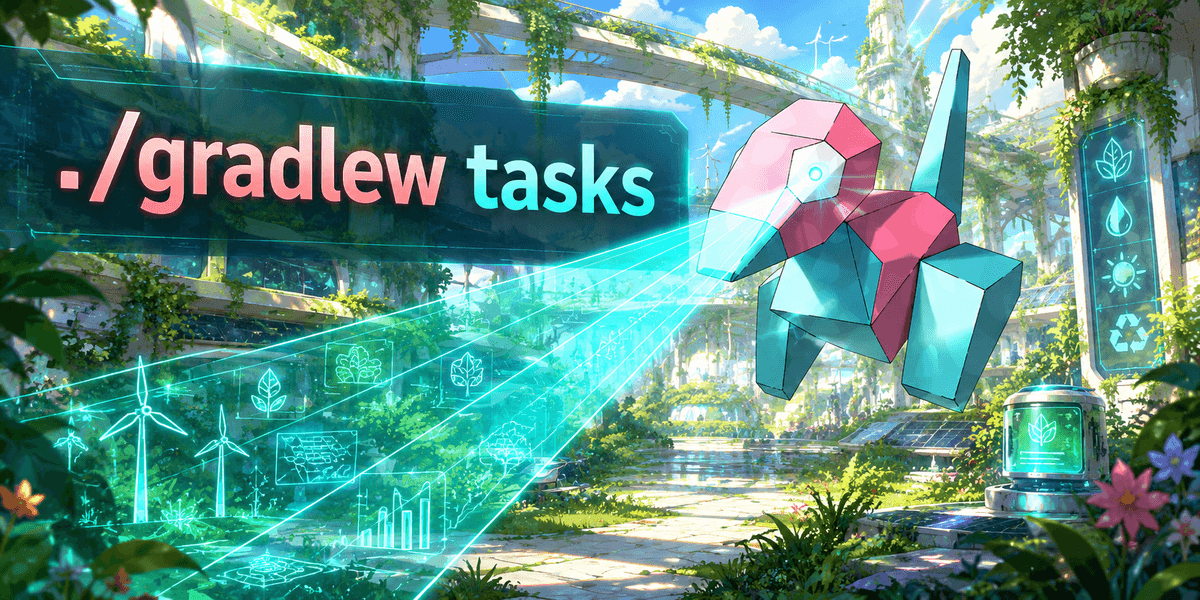
Pokémon: Porygon 🖥️
Porygon ./gradlew tasks
Porygon ./gradlew tasks
Porygon explores digital environments. In the same way, tasks scans your Gradle project and displays its main available operations.
Use it when:
▪️ discovering an unfamiliar repository
▪️ checking which tasks a plugin adde
▪️ looking for build, test, publishing or documentation tasks
It is basically your project’s move list. For an extended list, you can also add --all.
🔸 2. HELP --TASK : ALAKAZAM EXPLAINS A MOVE
in> ./gradlew help --task build
out> Detailed task information for build
Path: :build
Type: org.gradle.api.DefaultTask
Description: Assembles and tests this project.
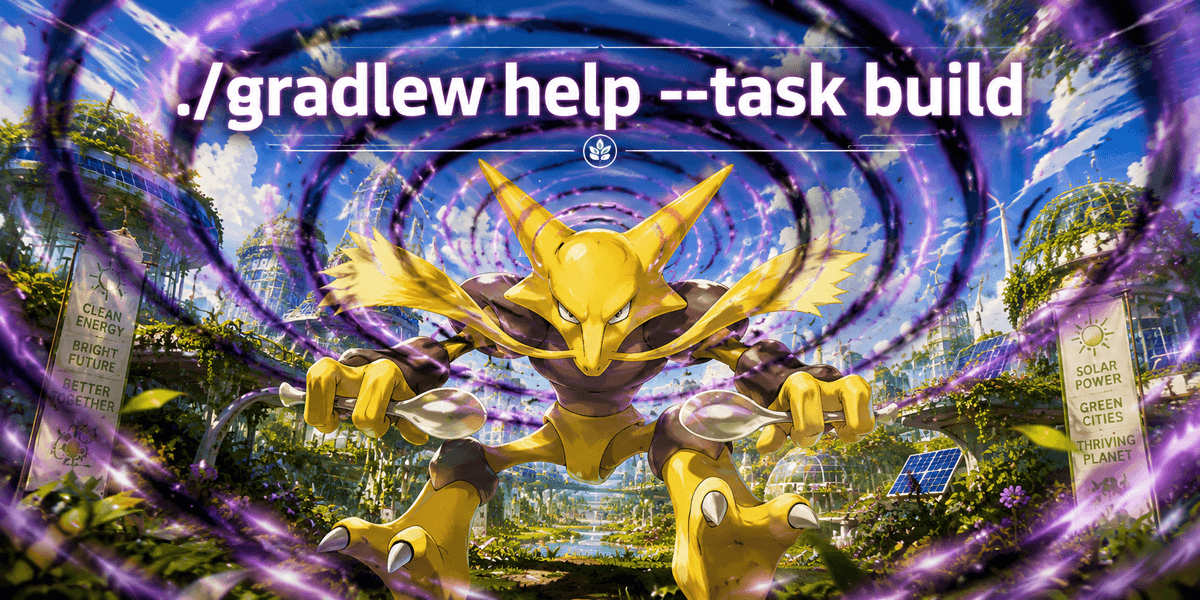
Pokémon: Alakazam 🥄
Article content
ALAKAZAM ./gradlew help --task build
You found a task, but you do not fully understand it?
Ask Alakazam.
help --task displays detailed information about a particular task, including its description, full path, type and supported options.
It is especially useful when a custom or plugin-provided task has a mysterious name.
Instead of randomly executing the move, first ask the Gradle professor what it does. 🧠
🔸 3. PROJECTS : FALINKS REVEALS THE FORMATION
in> ./gradlew projects
out> Root project 'my-app'
+--- Project ':application'
+--- Project ':domain'
\--- Project ':common'
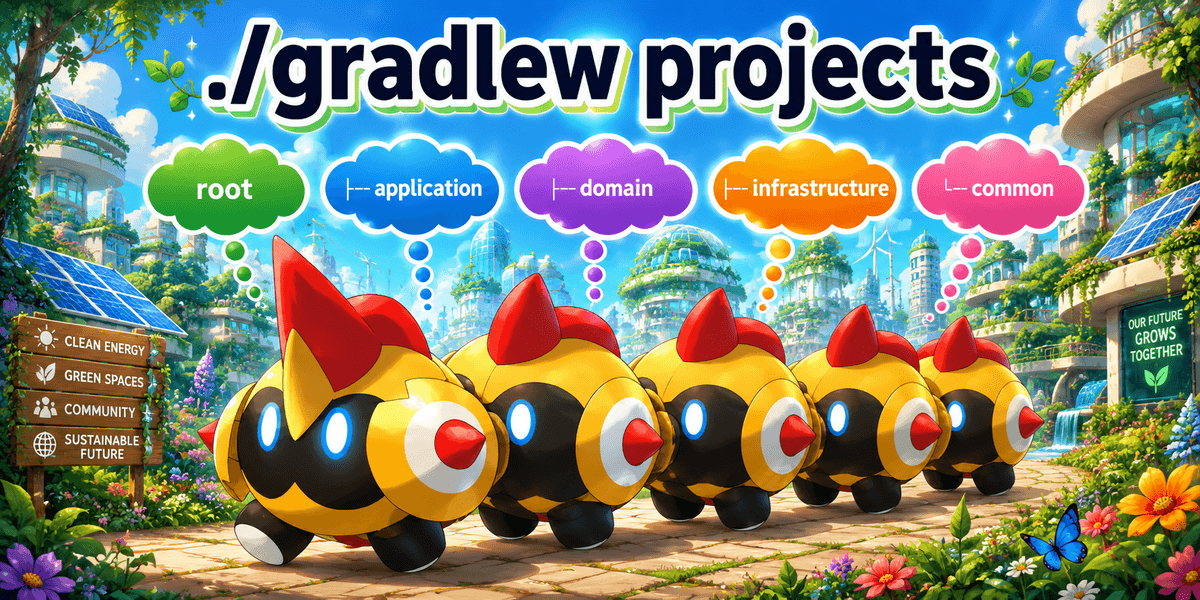
Pokémon: Falinks 🛡️
Article content
Falinks ./gradlew projects
Imagine Falinks marching as several coordinated units.
That is a good representation of a multi-project Gradle build.
The projects task displays the root project and its subprojects as a hierarchy.
Use it when you need to understand structures such as:
root
├── application
├── domain
├── infrastructure
└── common
Before attacking a multi-module build, inspect the formation.
🔸 4. CLEAN : SUICUNE PURIFIES THE BUILD
in> ./gradlew clean
out> > Task :clean
BUILD SUCCESSFUL in 1s
1 actionable task: 1 executed

Pokémon: Suicune 💧
Article content
SUICUNE ./gradlew clean
Suicune enters the arena and washes away the generated files.
In a standard Java project, clean deletes the project’s build directory.
Use it when:
▪️ generated outputs may be stale
▪️ you want to reproduce a build from an empty output directory
▪️ you are diagnosing suspicious build behaviour
But do not summon Suicune before every build without a reason. Deleting outputs prevents Gradle from reusing them and can make the next build significantly slower.
🔸 5. ASSEMBLE : MAGNETON PUTS THE PIECES TOGETHER
in> ./gradlew assemble
out> > Task :compileJava
> Task :jar
> Task :assemble
BUILD SUCCESSFUL in 3s
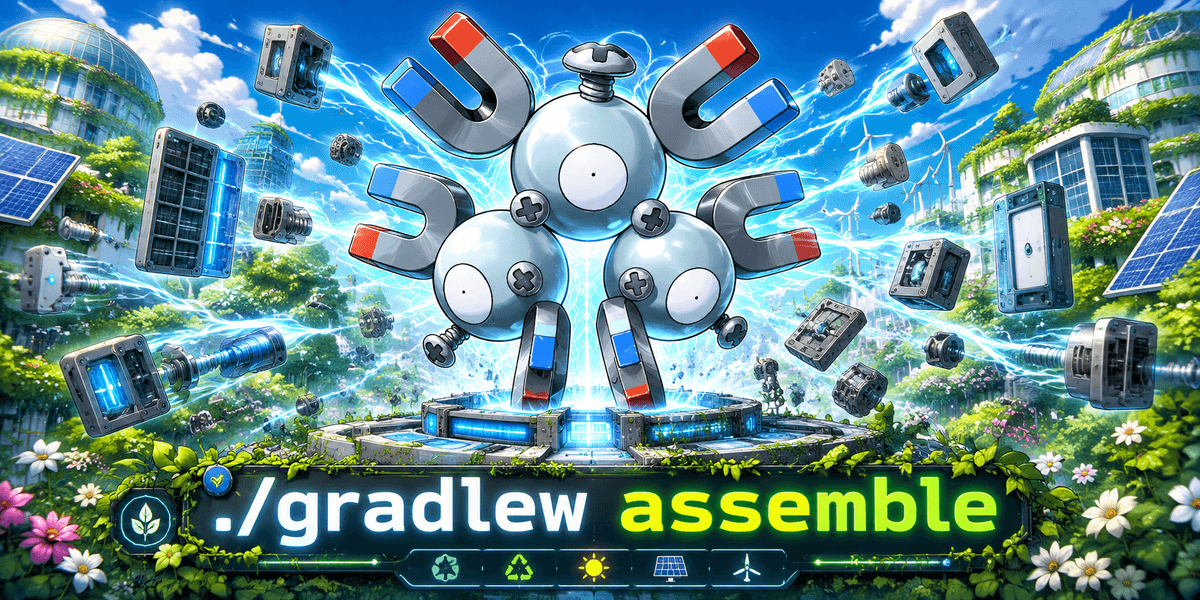
Pokémon: Magneton 🧲
Article content
Magneton ./gradlew assemble
Magneton pulls separate pieces together into one assembled unit.
The assemble lifecycle task creates the project’s distributable outputs.
In a typical Java project, this includes building the JAR file.
However, assemble focuses on producing artifacts. It does not represent the complete verification lifecycle.
Choose it when you need the package without necessarily launching the full test and quality-check tournament.
🔸 6. TEST : LUCARIO ENTERS THE TRAINING ARENA
in> ./gradlew test
out> > Task :compileTestJava
> Task :test
BUILD SUCCESSFUL in 4s
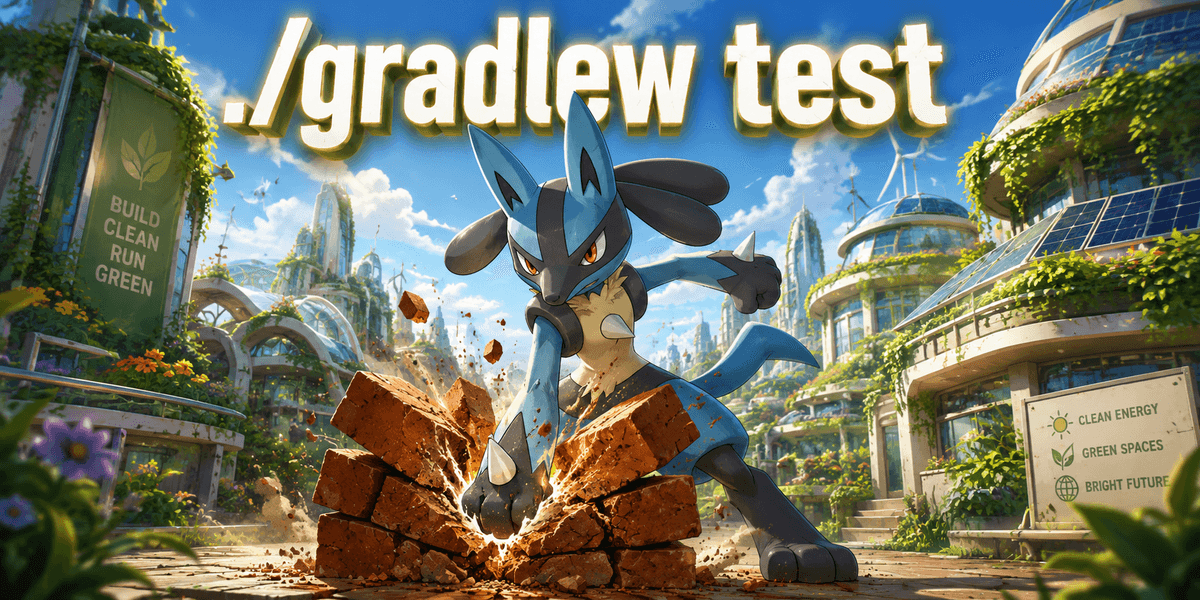
Pokémon: Lucario 🥋
Article content
Lucario ./gradlew test
Lucario does not enter an important battle without training first.
The test task compiles the test sources when necessary and executes the project’s configured automated tests.
Use it during development when you want fast feedback about behavioural regressions without running every possible quality tool.
The Pokémon twist is simple:
Your production code is the fighter.
Your tests are the training arena.
A failed test means your Pokémon is not ready for the League yet. 🧪
🔸 7. CHECK : ABSOL DETECTS DANGER
in> ./gradlew check
out> > Task :compileTestJava
> Task :test
> Task :check
BUILD SUCCESSFUL in 5s
3 actionable tasks: 3 executed
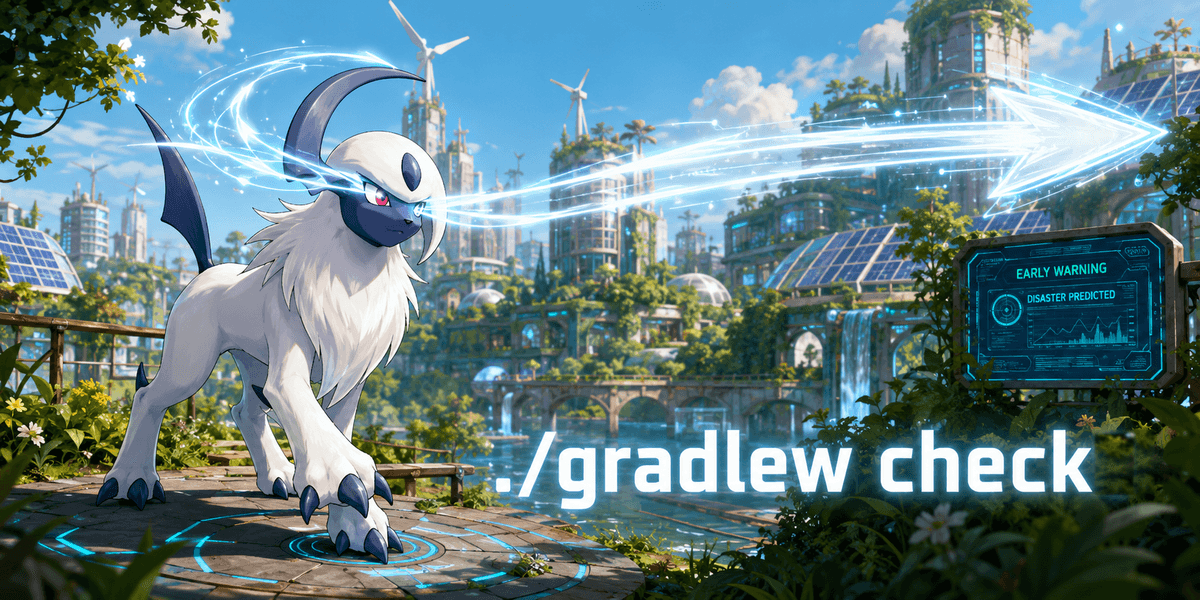
Pokémon: Absol ⚠️
Article content
Absol ./gradlew check
Absol senses danger before disaster happens.
The check lifecycle task performs the verification activities connected to the project.
In a Java build, it includes test. Other plugins may also attach operations such as:
▪️ static analysis
▪️ code-style validation
▪️ architecture tests
▪️ additional verification suites
Use check when you want to know whether the project satisfies its quality rules, even if you do not need a packaged artifact yet.
🔸 8. BUILD : MACHAMP PERFORMS THE FULL WORKOUT
in> ./gradlew build
out> > Task :compileJava
> Task :test
> Task :jar
> Task :build
BUILD SUCCESSFUL in 6s

Pokémon: Machamp 💪
Article content
Machamp ./gradlew build
Machamp does not perform only one exercise.
It handles the complete workout.
For a Java project, build depends on both:
▪️ assemble to create the artifacts
▪️ check to execute the verification tasks
Use it before:
▪️ submitting a pull request
▪️ delivering an artifact
▪️ validating the project in CI
▪️ declaring your code battle-ready
build is the complete Gym challenge, not a single fight. 🏆
🔸 9. DEPENDENCIES : TANGELA DISPLAYS THE ENTANGLEMENT
in> ./gradlew dependencies --configuration runtimeClasspath
out> runtimeClasspath - Runtime classpath of source set 'main'.
+--- org.springframework:spring-core:6.2.8
| \--- org.springframework:spring-jcl:6.2.8
\--- org.slf4j:slf4j-api:2.0.17
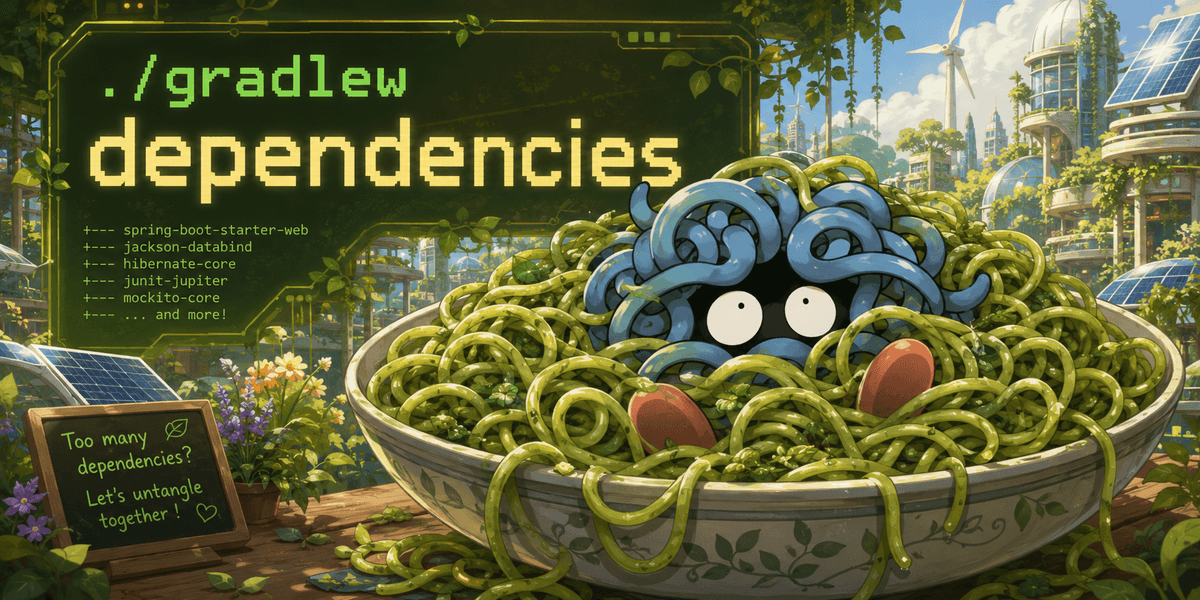
Pokémon: Tangela 🌿
Article content
Tangela ./gradlew dependencies
A dependency graph can quickly start looking like Tangela.
Libraries depend on other libraries, which depend on more libraries, until everything becomes a collection of tangled vines.
The dependencies task displays direct and transitive dependencies as a tree.
The --configuration option lets you focus on one classpath instead of examining every configuration.
Use it to investigate:
▪️ unexpected transitive libraries
▪️ duplicated components
▪️ version conflicts
▪️ the actual runtime classpath
When the dependency jungle becomes too dense, summon Tangela.
🔸 10. DEPENDENCYINSIGHT : NOCTOWL FINDS THE HIDDEN PATH
in> ./gradlew dependencyInsight \
--dependency guava \
--configuration runtimeClasspath
out> com.google.guava:guava:33.4.8-jre
Selection reason: selected by conflict resolution
\--- runtimeClasspath
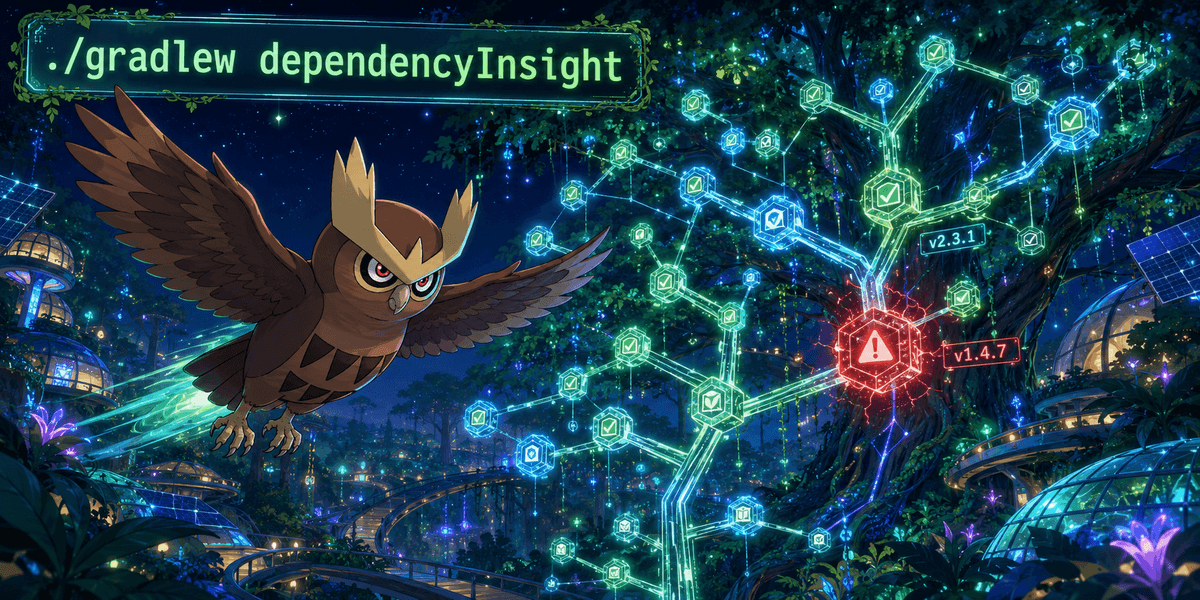
Pokémon: Noctowl 🔍
Article content
Noctowl ./gradlew dependencyInsight
The dependency tree tells you what is present.
dependencyInsight helps explain why it is present.
It investigates a particular dependency inside one configuration and can reveal:
▪️ which component requested it
▪️ which version was selected
▪️ whether conflict resolution occurred
▪️ the paths leading to that dependency
Think of Noctowl flying through the dependency tree at night and locating the exact branch responsible for your version conflict. 🌙
🔸 TAKEAWAYS
▪️ Start with tasks when you do not know what a Gradle project can do.
▪️ Use help --task instead of guessing how an unfamiliar task works.
▪️ Remember that test, check, assemble and build do not represent the same level of work.
▪️ Use clean intentionally, not as a ritual before every build.
▪️ Use dependencies for the complete forest and dependencyInsight for one suspicious tree.
▪️ Prefer the Gradle Wrapper so developers and CI environments execute the project with its declared Gradle version.
You do not need to memorize every Gradle command immediately.
Just choose the right Pokémon for the next battle. ⚔️
Which Pokémon would you associate with your most-used Gradle command? 👇
#Gradle #Java #BuildAutomation #JavaDevelopers #DeveloperTools #SoftwareEngineering #Pokemon #Programming
Go further with Java certification:
Java👇
Spring👇
SpringBook👇
JavaBook👇